Thank you for your purchase! We’re so excited you chose one of our designs for your special event.
Follow the below steps to access and use your template. Please be aware of the terms of use, which are listed at the bottom of the page.
Step 1: Click the Template Link
Open the link to the Tamplate on Canva that you should have received on the payment confirmation page and in your order receipt email.
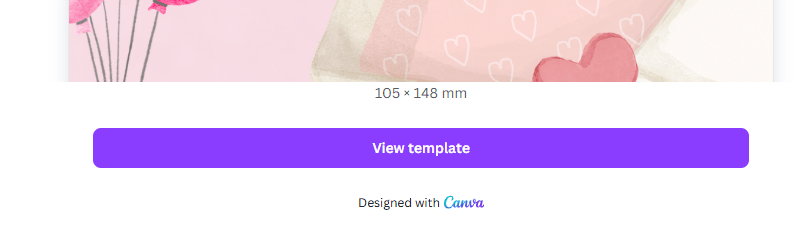
The link will take you to a Canva landing page, highlighting that we have shared this design with you. To proceed, click the “View Template” button to begin editing your copy of the template.
At this point, you will need to log into Canva if you already have an account, or sign up (for free) if you don’t.
Step 2: Customise The Design
Once in Canva in your copy of the template, you can change the text as required and make any other desired changes to images, colours or layout.
Step 3: Prepare Your Invites
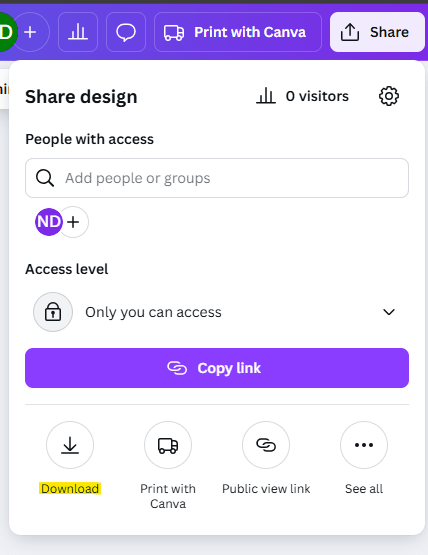
Once you’re ready, click Share > Download within Canva and choose the File Format (e.g. PDF) which you can use to print yourself or send elsewhere to be printed.
Terms of Use:
- For personal use only
- Cannot be resold, shared, or redistributed